
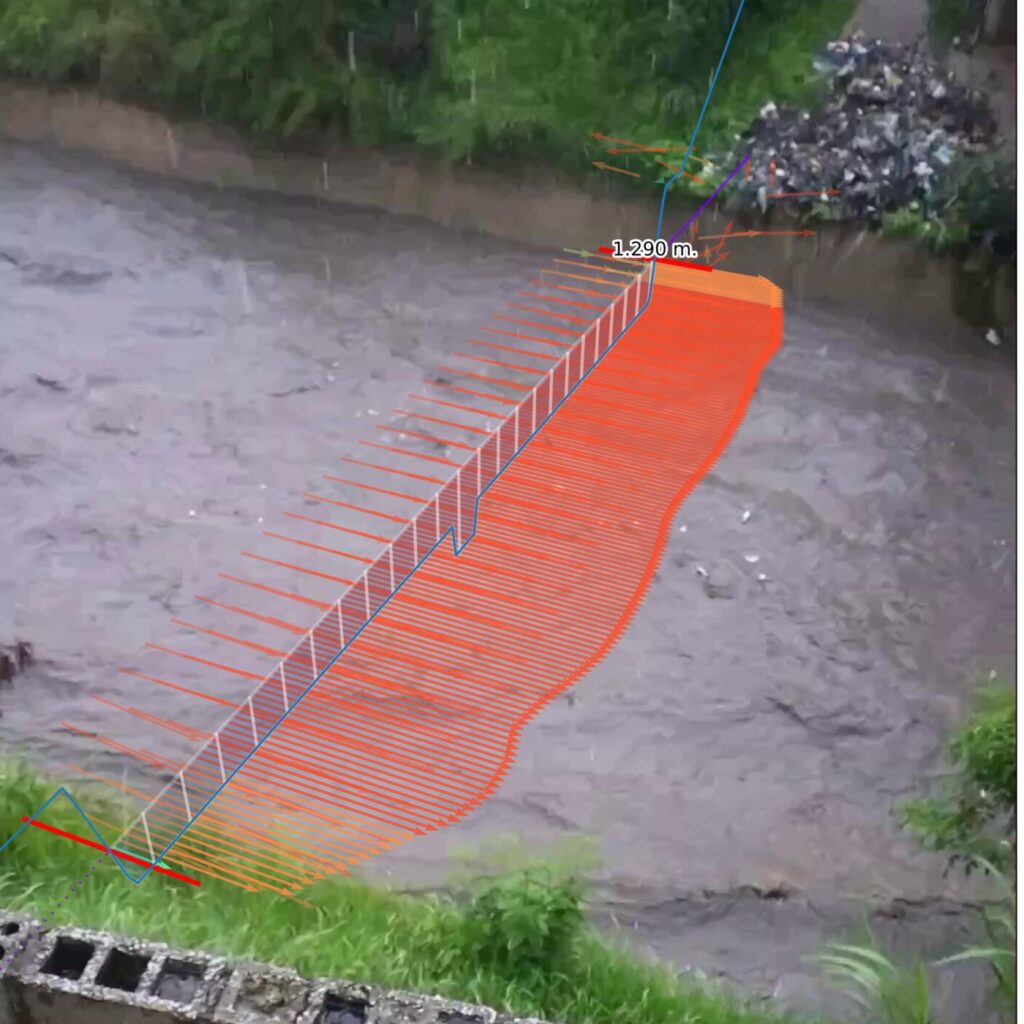
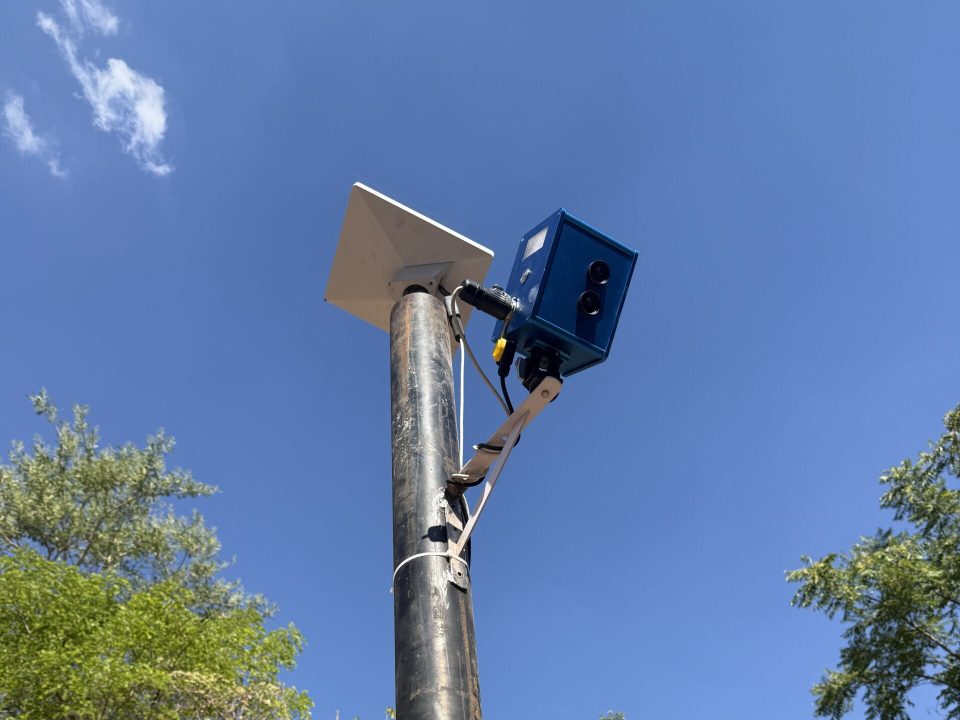
OpenRiverCam lets you monitor water levels and streamflow with simple camera systems. Real-time, scalable, free of license limitations. Create your own services, stations, and decision support systems in-house for your institute in demand of water data or provide your clients with unprecedented monitoring products as hydrometeorological service provider. What do we do for you? We can help you get started with products such as easy to install software stacks, and services, such as assistance in station builds, training, piloting projects or, all with the goal to make you independently measure rivers. All OpenRiverCam services and products on this page are delivered by Rainbow Sensing.
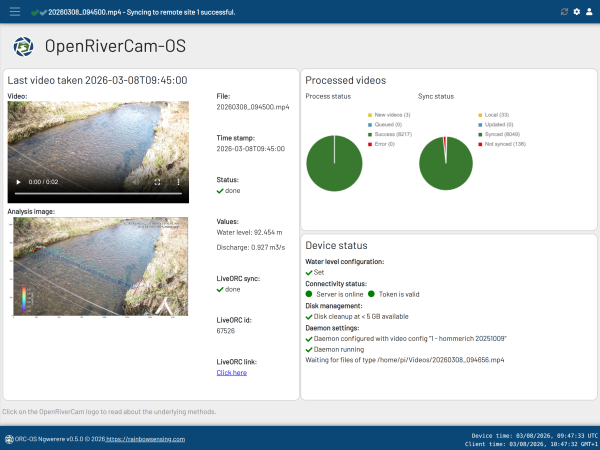
OpenRiverCam offers a full ecosystem of software, tools and documentation to run your own stations.
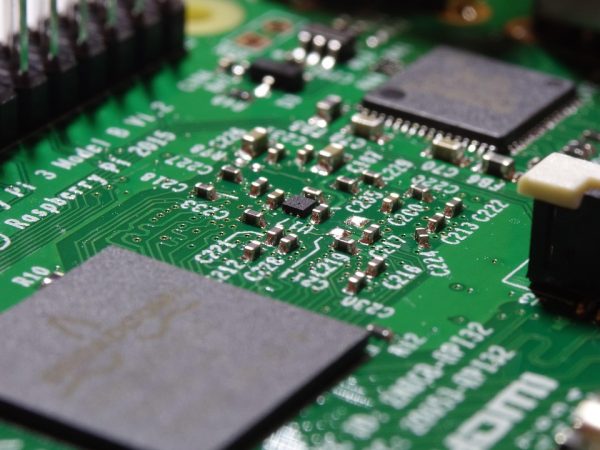
* Raspberry Pi is a trademark of Raspberry Pi Ltd
Check out out GitHub pages and full documentation to get fully independent. You are fully in control of your own stations and your own data. Manage your own software stacks and deploy any hardware setup that fits your needs. With the unique service management layer, you can add additional services for bespoke connected hardware, communication and power management. Besides the two applications, all our underlying methods are available in a fast and effective Python API and Command-Line Interface called PyOpenRiverCam, offering all the flexibility you need as a programmer.
Go directly to our online documentation where you can read:
info@rainbowsensing.com
The Hague – The Netherlands
Please download our terms and conditions for OpenRiverCam related services here
© Copyright 2026 Rainbow Sensing. Please adhere to our trademark guidelines